|
Animation Window
|   |
|
Animation Window
| |
The dynamic analysis results can be animated in the Animation Window. The window shows the pendulum in 3D in the upper left corner. It also shows the hysteresis and force interaction plots, and the displacement histories. The speed of the animation can be controlled by a slider, and varied from 1 (slow) to 25 (fast). The actual speed will depend on the CPU speed and memory available. Three buttons "Play", "Pause" and "Stop" can be used to control the animation.
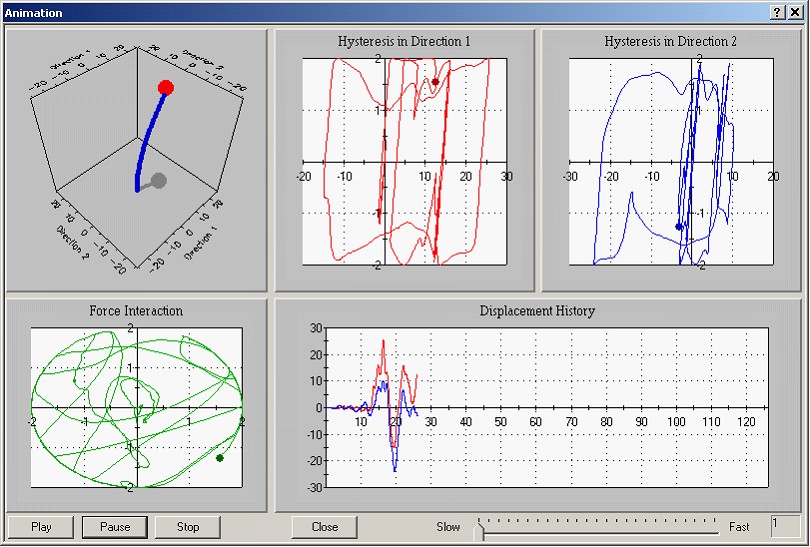
Figure 9: Animation Window